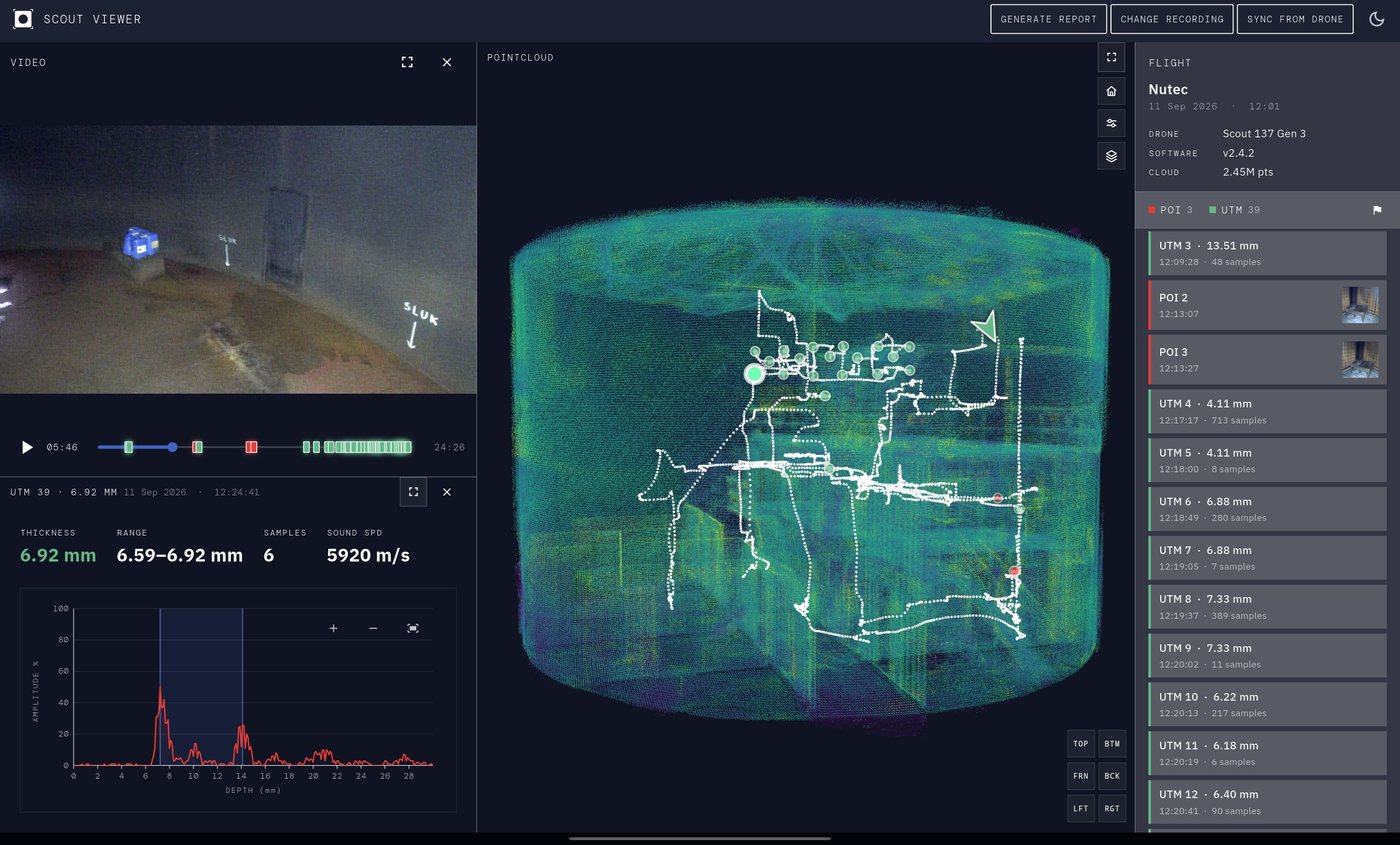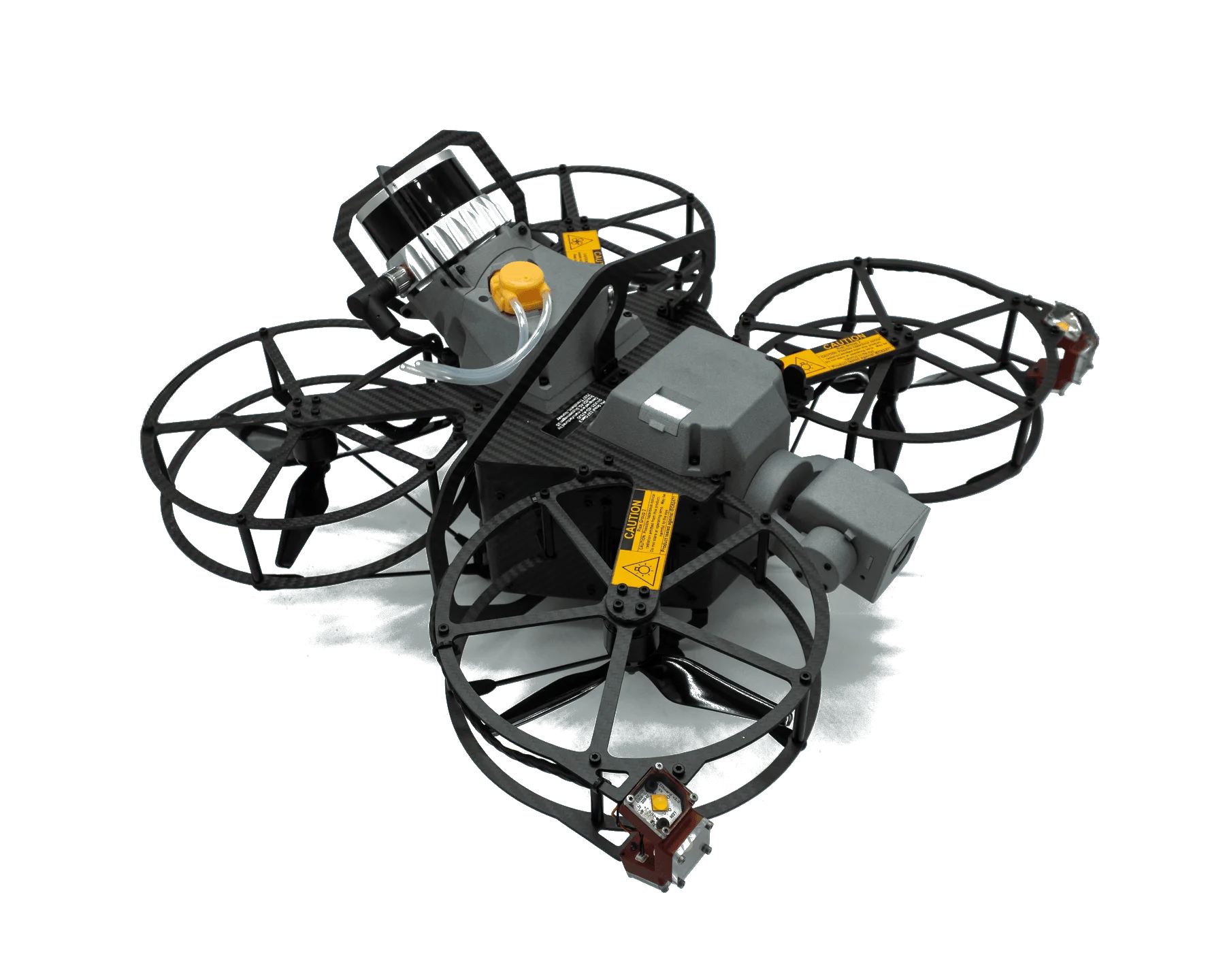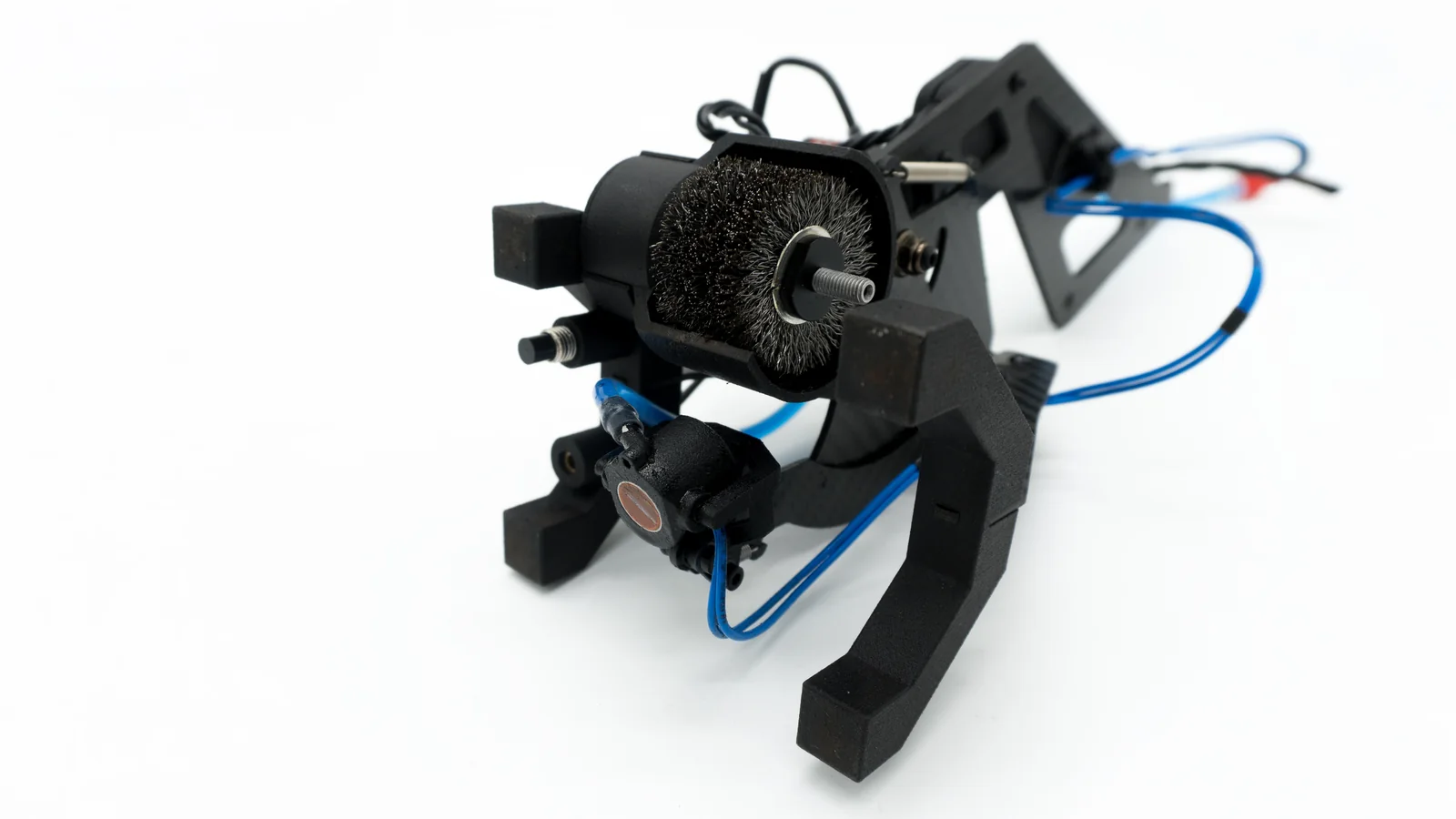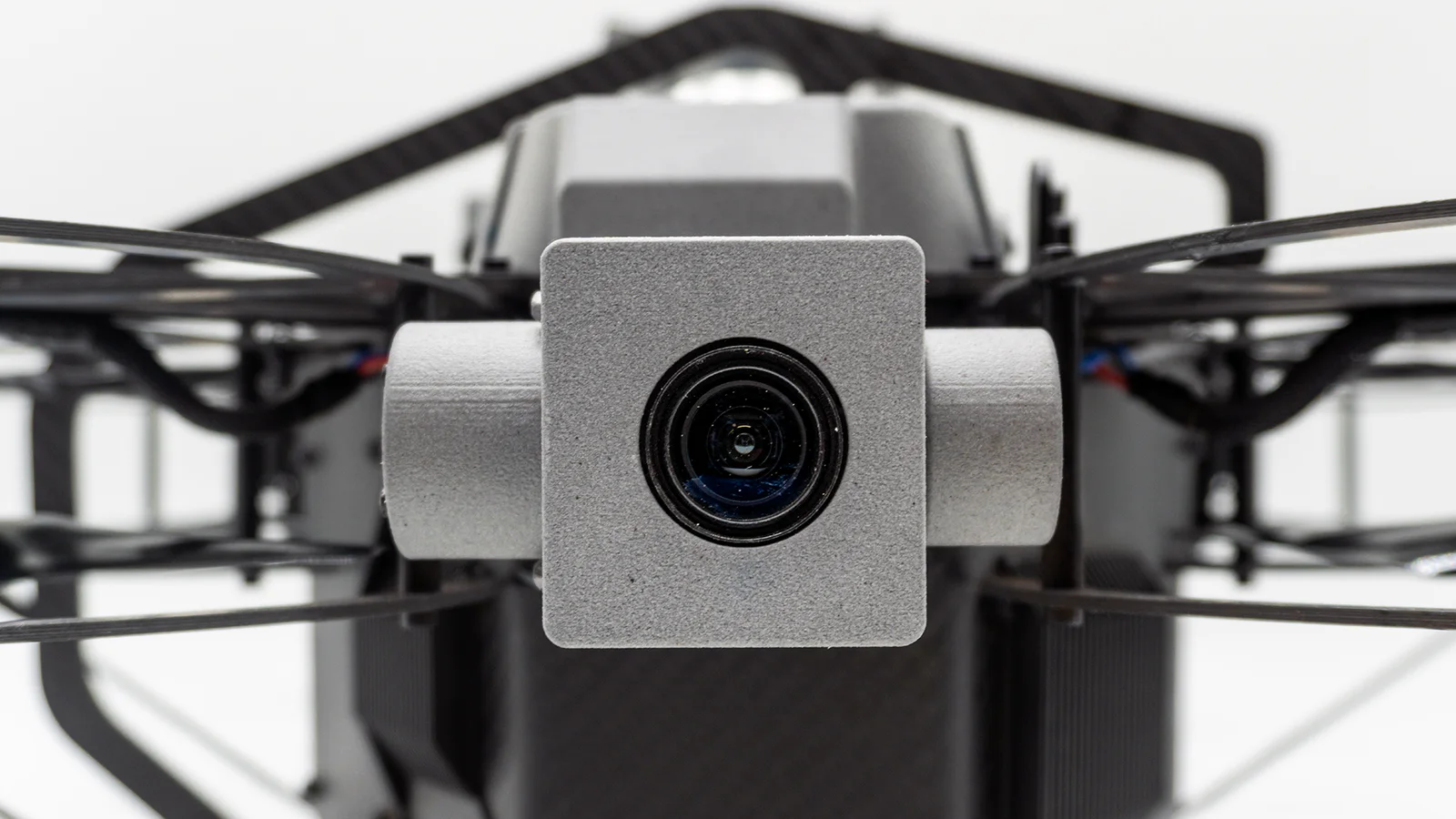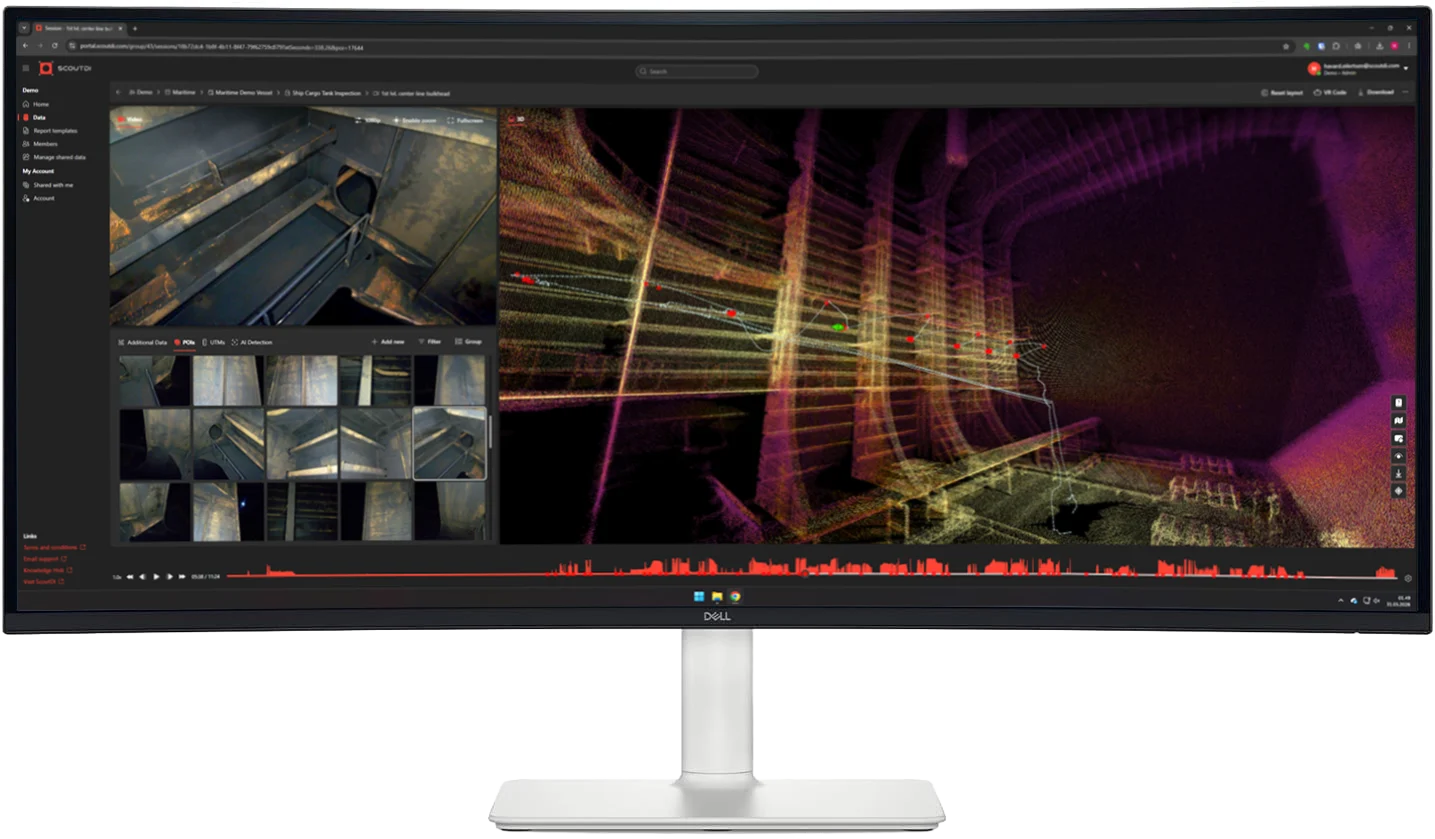

Full 3D point cloud, right off the drone
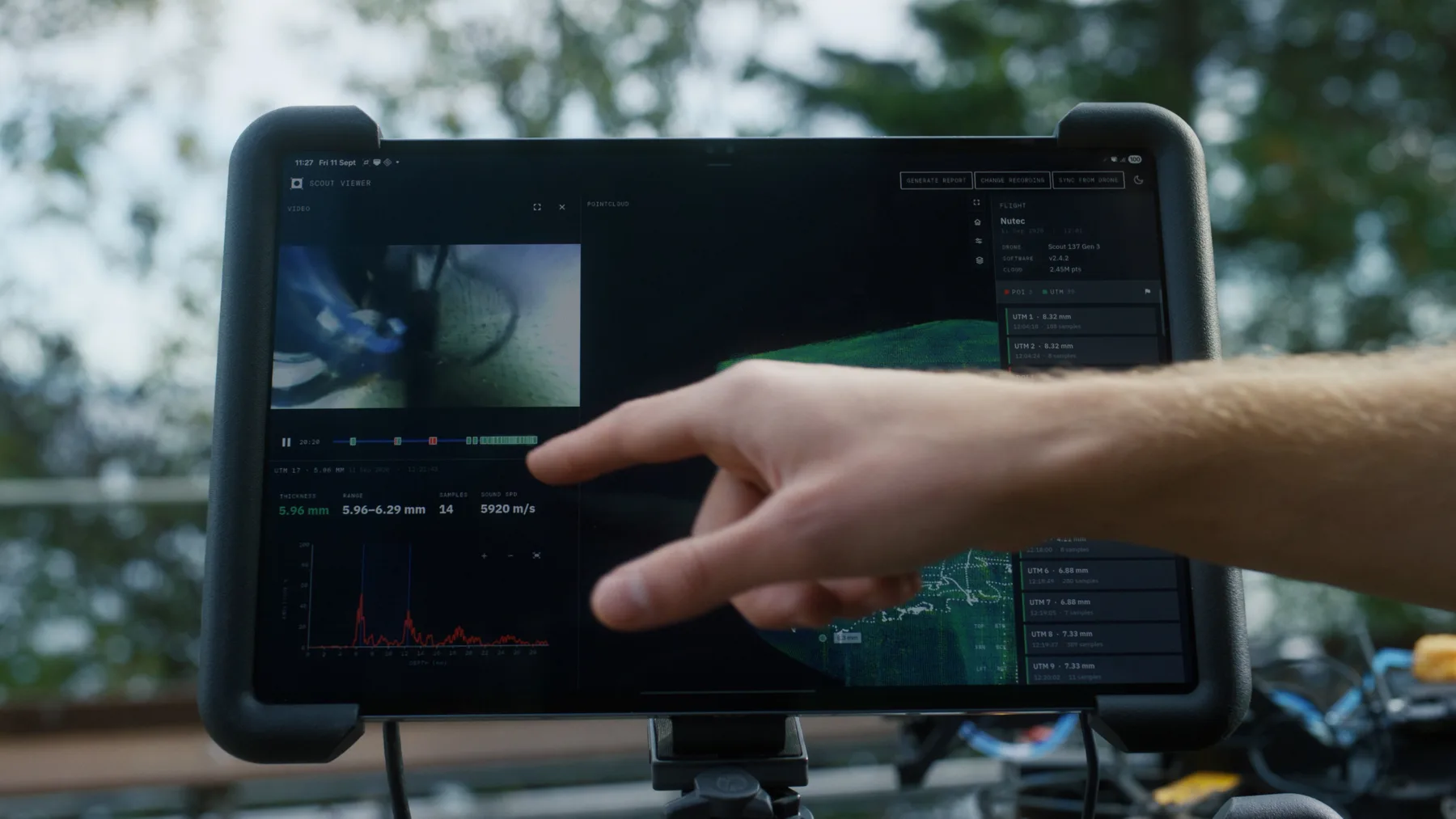
Scout Viewer opens the inspection data already stored on the Scout 137: the point cloud, the flight path, the video, every tagged photo and every UT point sample. Nothing needs to upload or process anywhere first.
That matters on a rig with no signal, on a site where the data isn't allowed to leave, or simply when the team doesn't want to wait: the complete inspection is available the moment the drone lands.
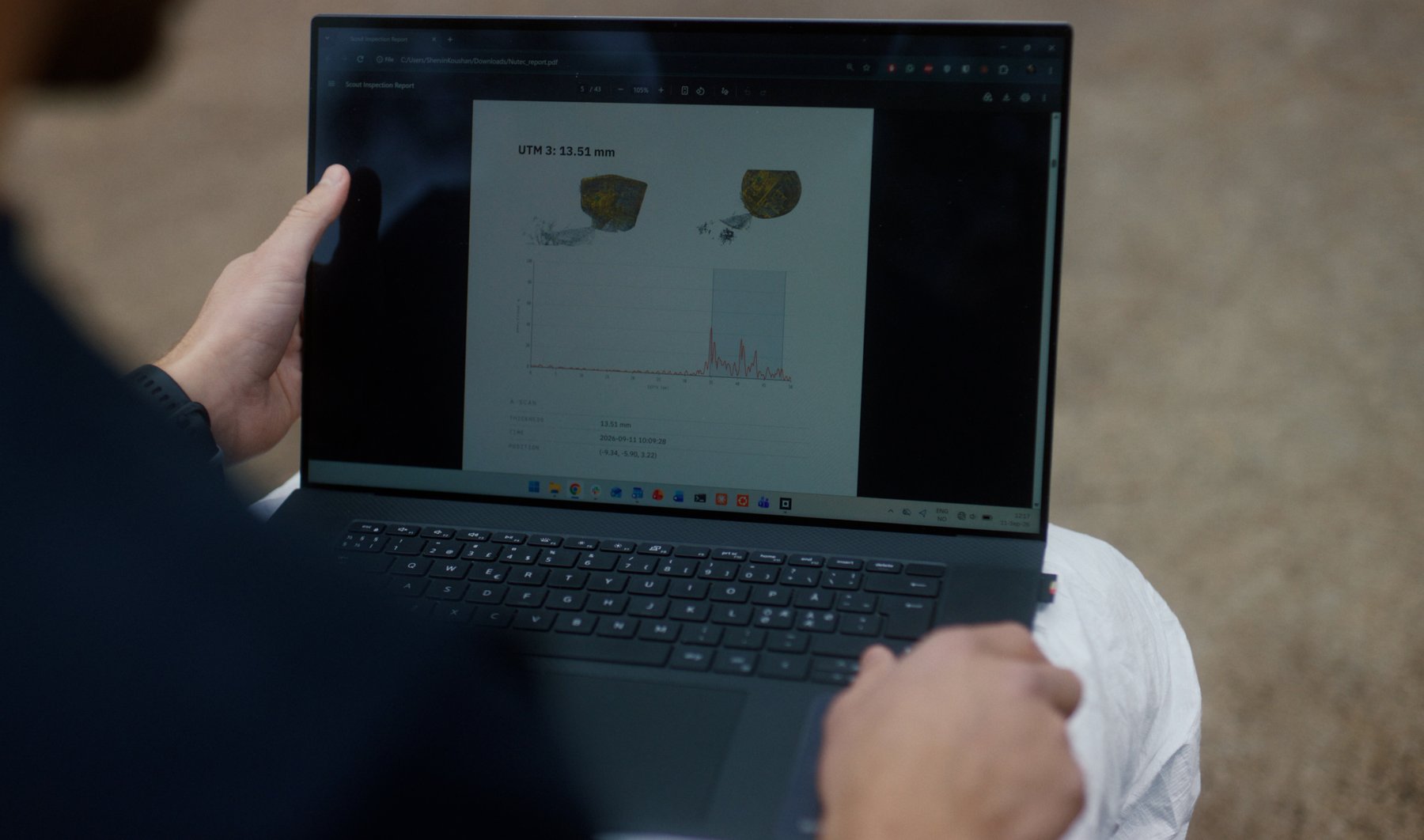
Walk through the inspection with your customer and generate a PDF report before you leave the site.
Review together
Explore the video, tagged photos and UT readings in their 3D context, so you can discuss findings and check inspection coverage together.
Report on-site
Generate a PDF inspection report directly from the recording, including tagged photos and UT thickness readings. No cloud upload or office software required.
Review recordings on the tablet you fly with, using the existing Scout 137 connection. Or open a recording from the SD card on your Windows PC.
Follow the drone's recorded flight path through the 3D point cloud as the video plays, so you can see where the footage was captured.
Open tagged photos and UT thickness readings at their recorded locations in the 3D point cloud.
Export a PDF inspection report with tagged photos and UT thickness readings, ready to hand over before you leave.

Specifications
Windows: Windows 10 (64-bit) or newer Windows 11
Android: Galaxy Tab S10/S11 Ultra officially supported
Network: Fully offline uses the existing Scout 137 / ground-station connection already in place for flying
Account: None required no cloud sync
Windows: Unzip the release build and run the .exe no installer, no admin rights
Android: Sideload the APK directly not distributed via the Play Store
Opens: Scout 137 recording Gen 3 drones from software version 2.4.2
Access: Read-only
Shows: 3D point cloud flight path replay tagged photos UT thickness readings with A-scan
Exports: PDF inspection report